Photo to Architectural Render — Redesign Any Building with AI

Take a photo of any existing building with your phone, upload it, and AI reimagines it in a completely different architectural style — Modernist, Zaha Hadid, Brutalist, or your own custom vision.

No sign-up required to start. Free trial included.

See the Results
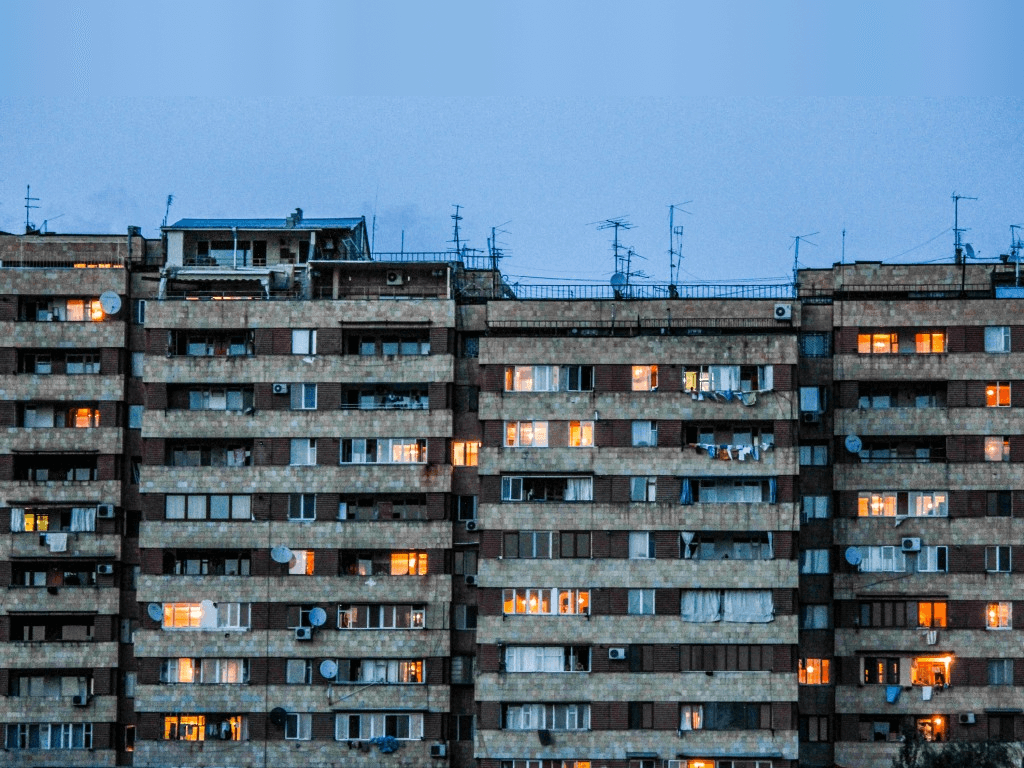
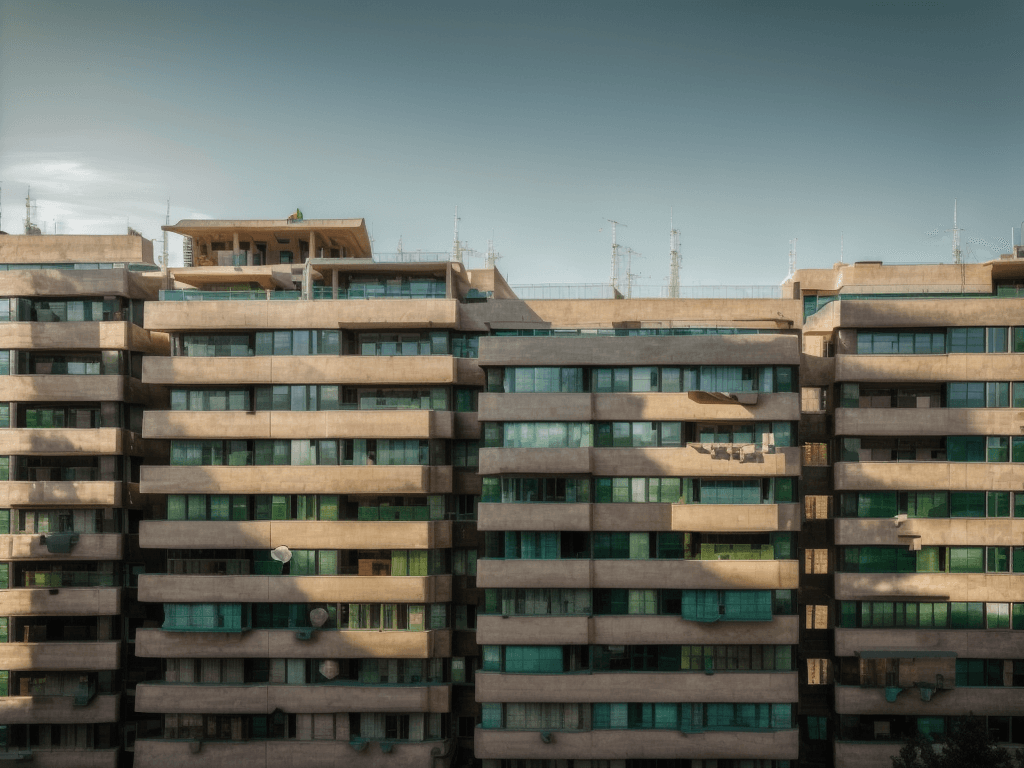
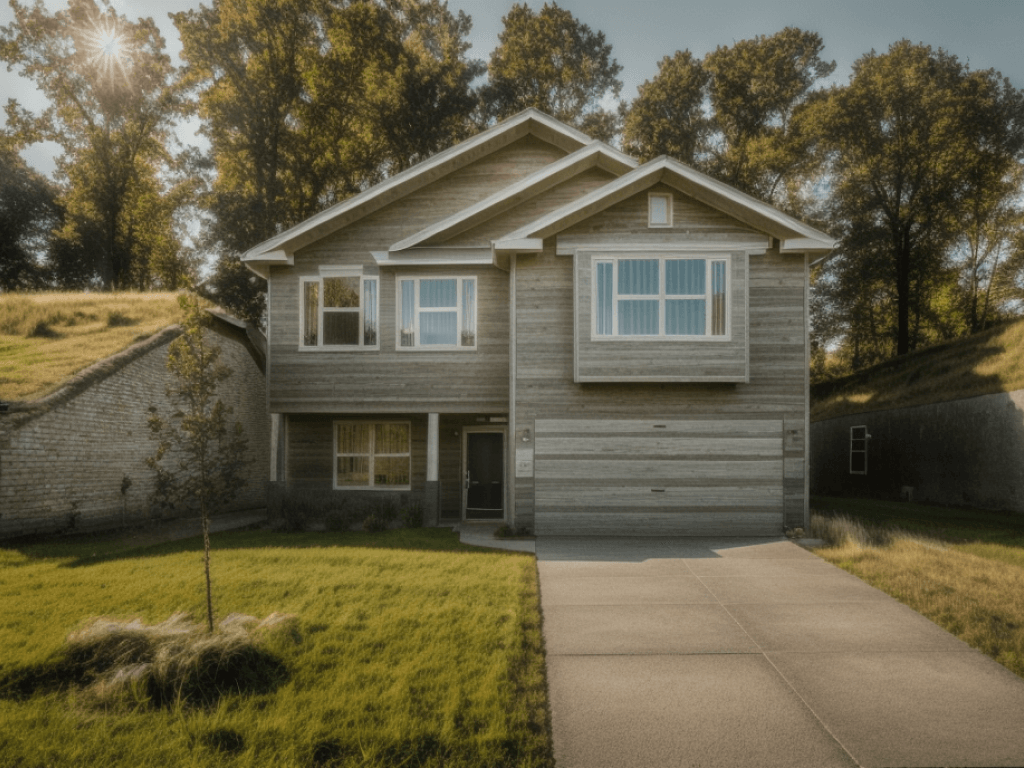
Before: Building photo to AI architectural redesign
After: Building photo to AI architectural redesign
Building photo to AI architectural redesign — Drag to compare
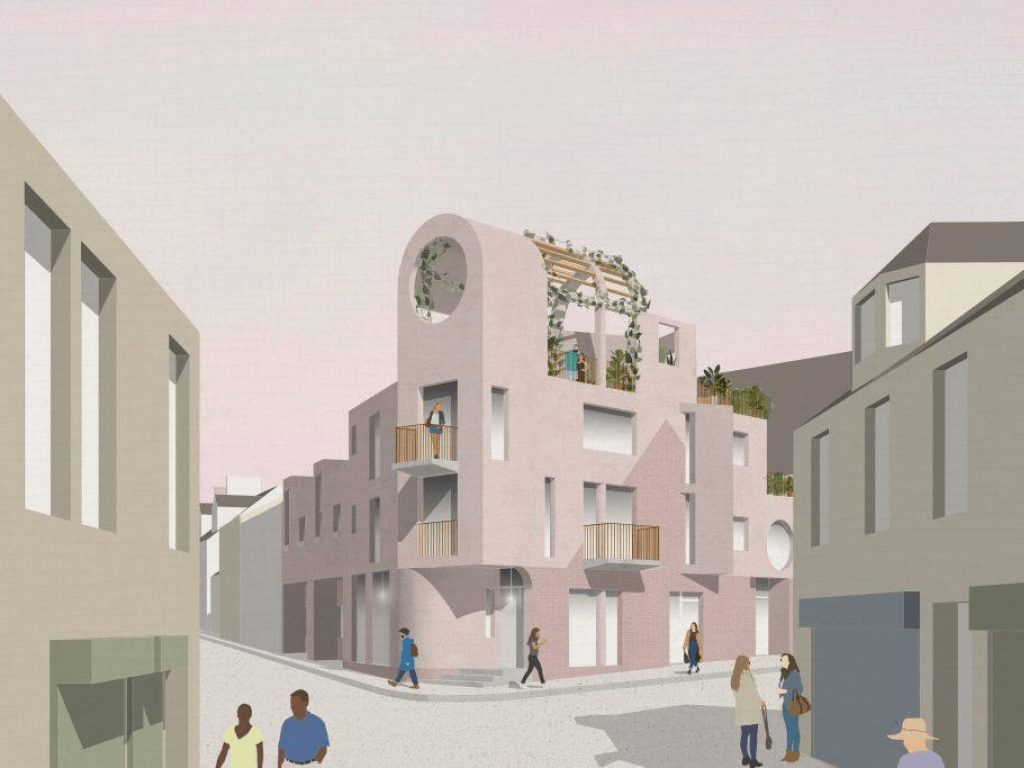
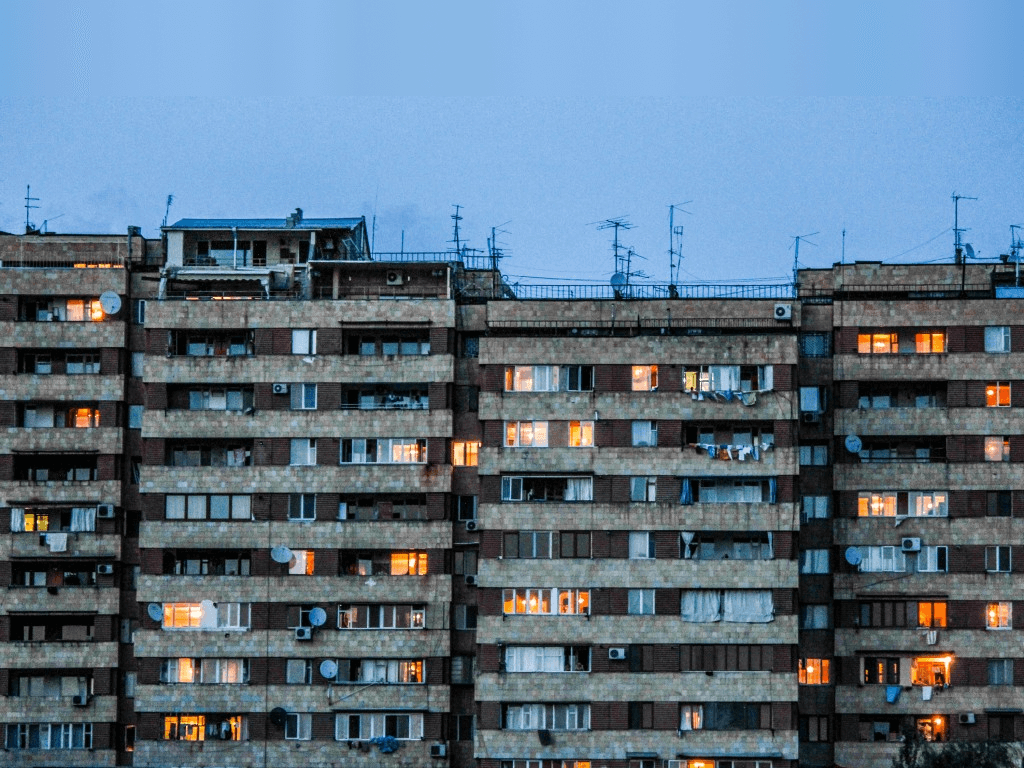
Before: Existing building to new exterior render
After: Existing building to new exterior render
Existing building to new exterior render — Drag to compare
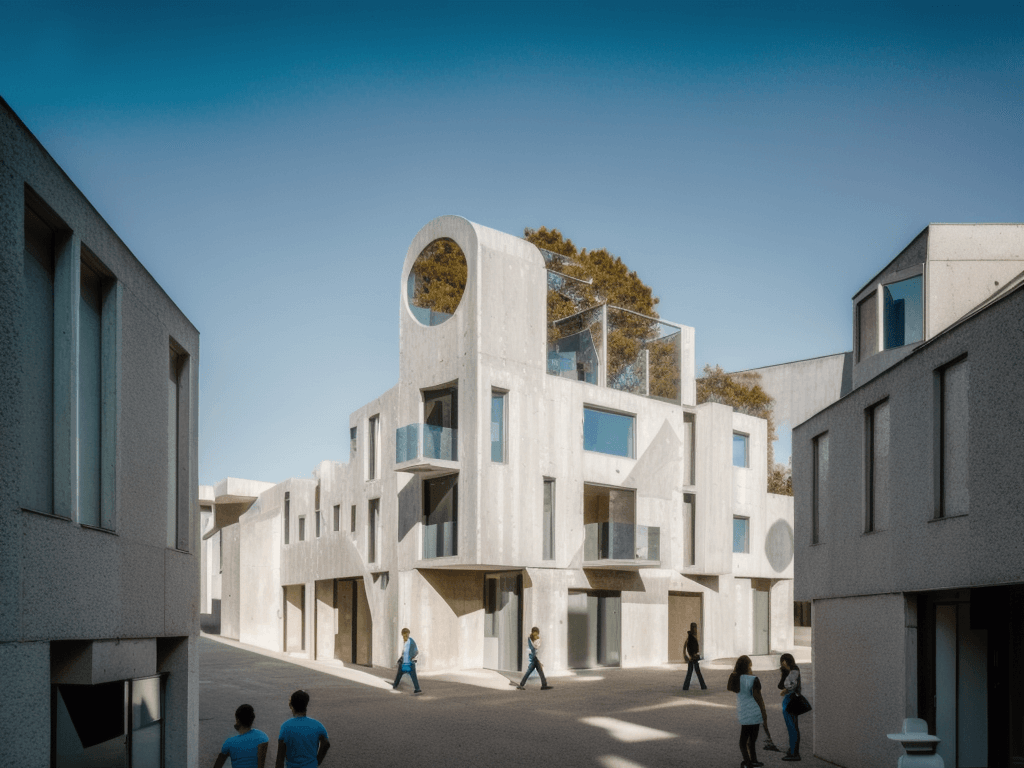
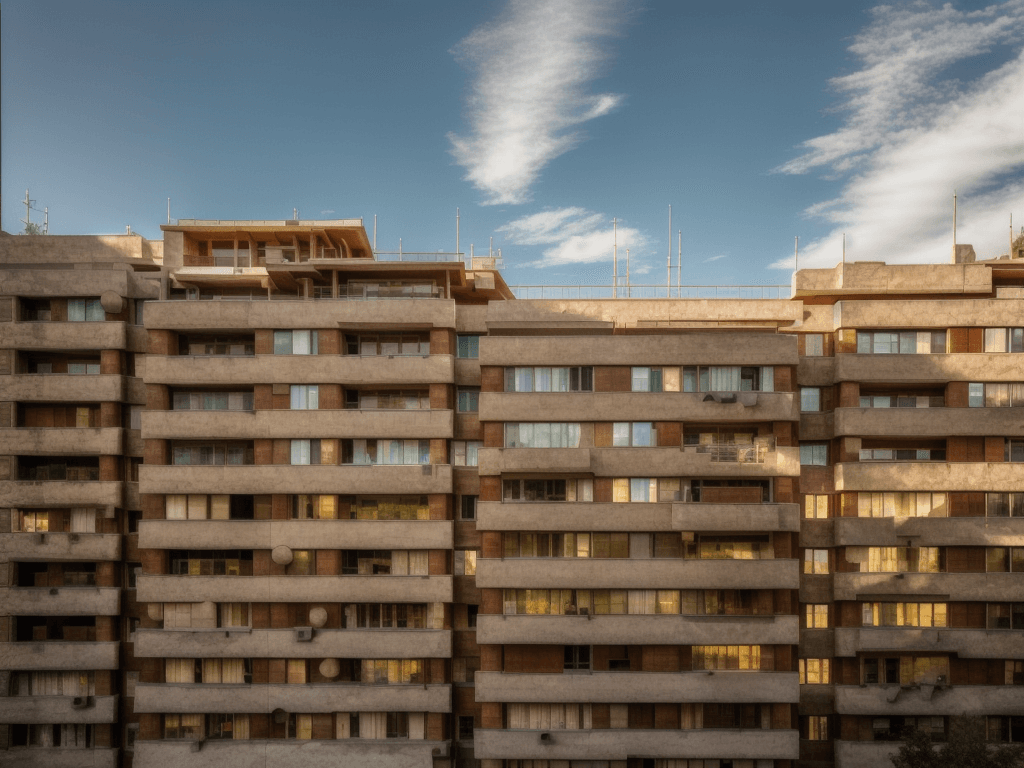
Before: Photo to photorealistic facade redesign
After: Photo to photorealistic facade redesign
Photo to photorealistic facade redesign — Drag to compare
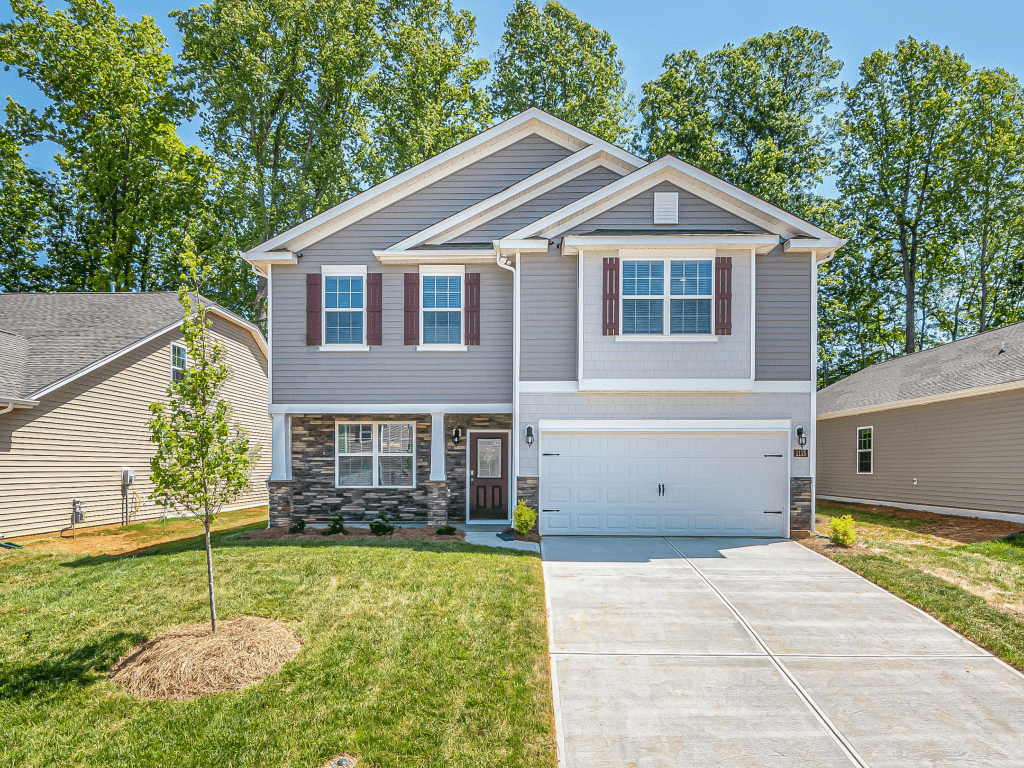
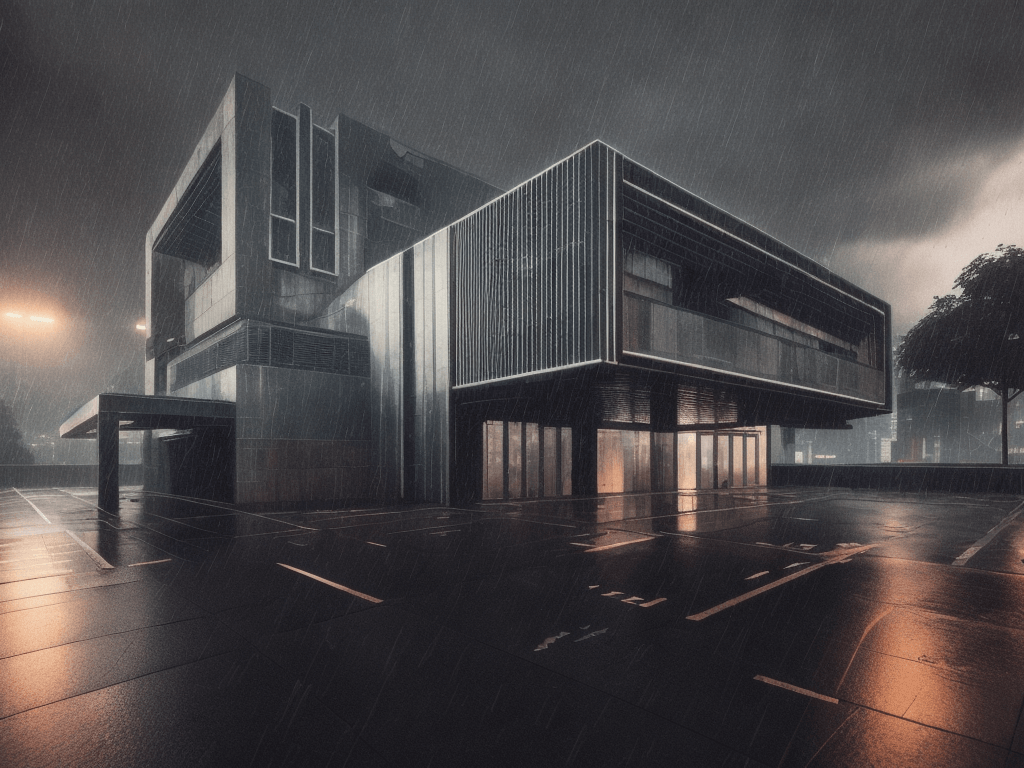
Before: Real building to AI visualization render
After: Real building to AI visualization render
Real building to AI visualization render — Drag to compare

AI Rendering Gallery

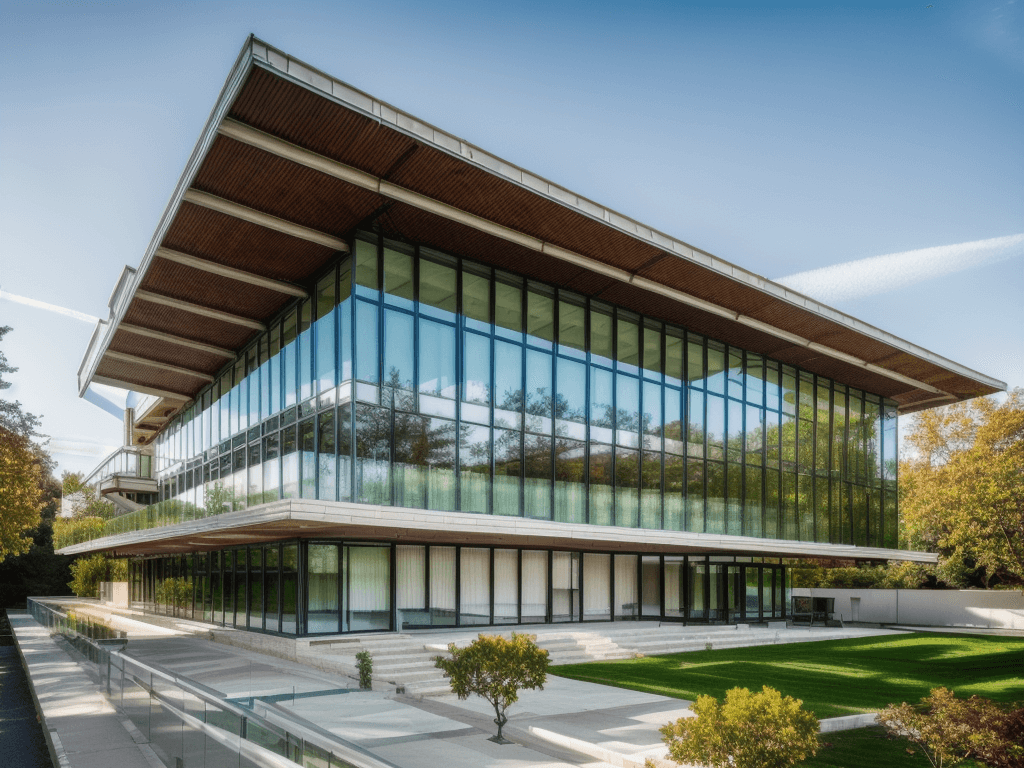
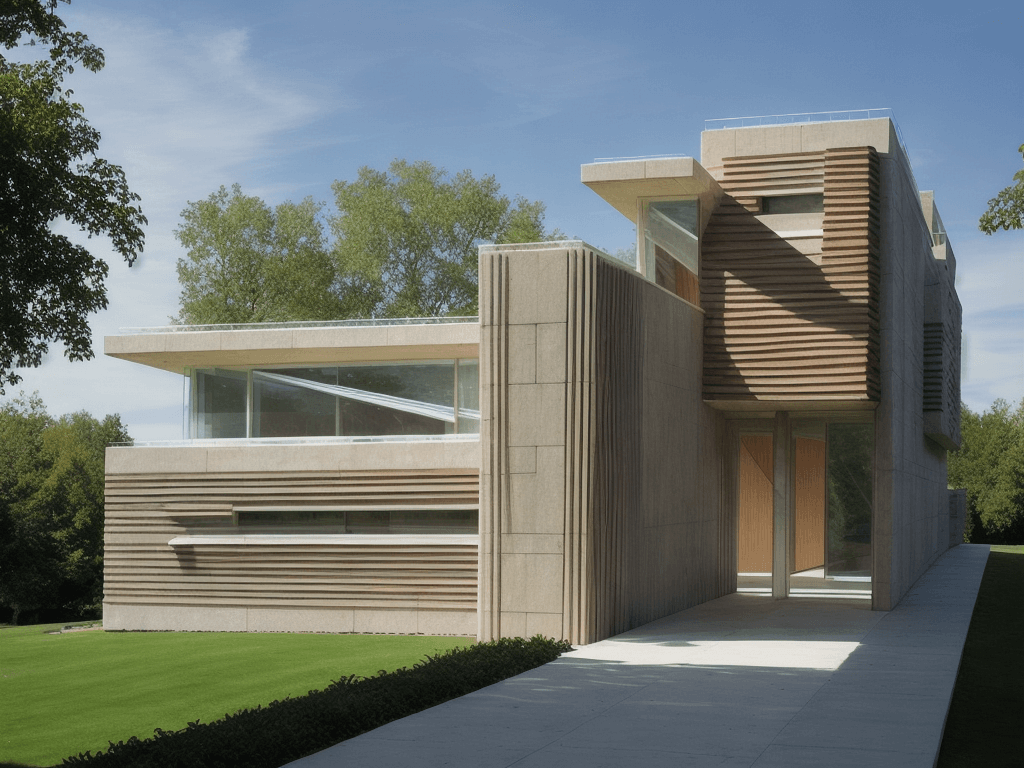
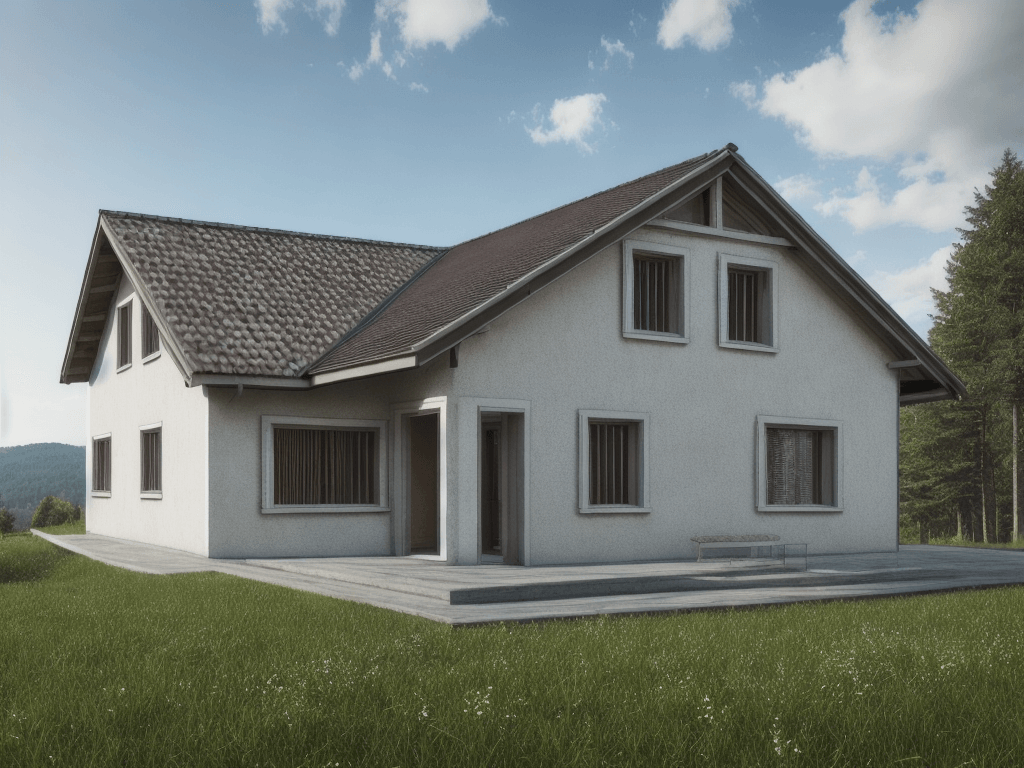
AI architectural render example 1
AI architectural render example 2
AI architectural render example 3
AI architectural render example 4
AI architectural render example 5
AI architectural render example 6
AI architectural render example 7
AI architectural render example 8

How It Works

📱

Snap & Upload

Take a photo of any building with your smartphone. No professional photography needed — AI works with any angle and lighting condition.

🔄

Style Transfer

See the same building reimagined in Modernist, Zaha Hadid, Renaissance, Art Deco, or any other architectural style in seconds.

🏚️

Renovation Preview

Show clients how a renovation or facade upgrade would look before committing to designs. Perfect for adaptive reuse and retrofit projects.

Frequently Asked Questions

How does photo-to-render AI work?
You upload a photo of an existing building, and AI analyzes its structure, proportions, and spatial layout. It then generates a new photorealistic render that preserves the building's form while completely transforming materials, lighting, and visual style to look like a professional architectural visualization.
Can I redesign a building I photographed with my phone?
Yes! Any smartphone photo works. AI is trained to handle various angles, lighting conditions, and photo quality. Simply take a picture of a building, upload it, and choose a new architectural style.
What is photo-to-render useful for?
Common use cases include: renovation proposals (show clients the 'after'), facade redesign studies, adaptive reuse visualizations, real estate development pitches, neighborhood impact studies, and before/after presentations for planning committees.
Does it preserve the original building's shape?
Yes. The AI keeps the building's footprint, height, proportions, and camera angle intact. Only the exterior appearance — materials, textures, colors, lighting, and surrounding environment — is transformed.
Can I use this for commercial real estate?
Absolutely. Real estate developers use Architect AI to quickly visualize how a property could look after renovation or redevelopment, creating compelling investor presentations and marketing materials at a fraction of the cost of traditional rendering.
How many styles can I try on the same photo?
Unlimited. Each render uses 1 credit and takes about 10 seconds. You can try dozens of different styles, weather conditions, and environments on the same building photo to find the perfect vision.

Ready to Transform Your Designs?

Join thousands of architects and designers using AI to create stunning architectural visualizations in seconds.