SketchUp AI Rendering: Best Solutions Compared 2024
Author: SketchUp Integration Specialist
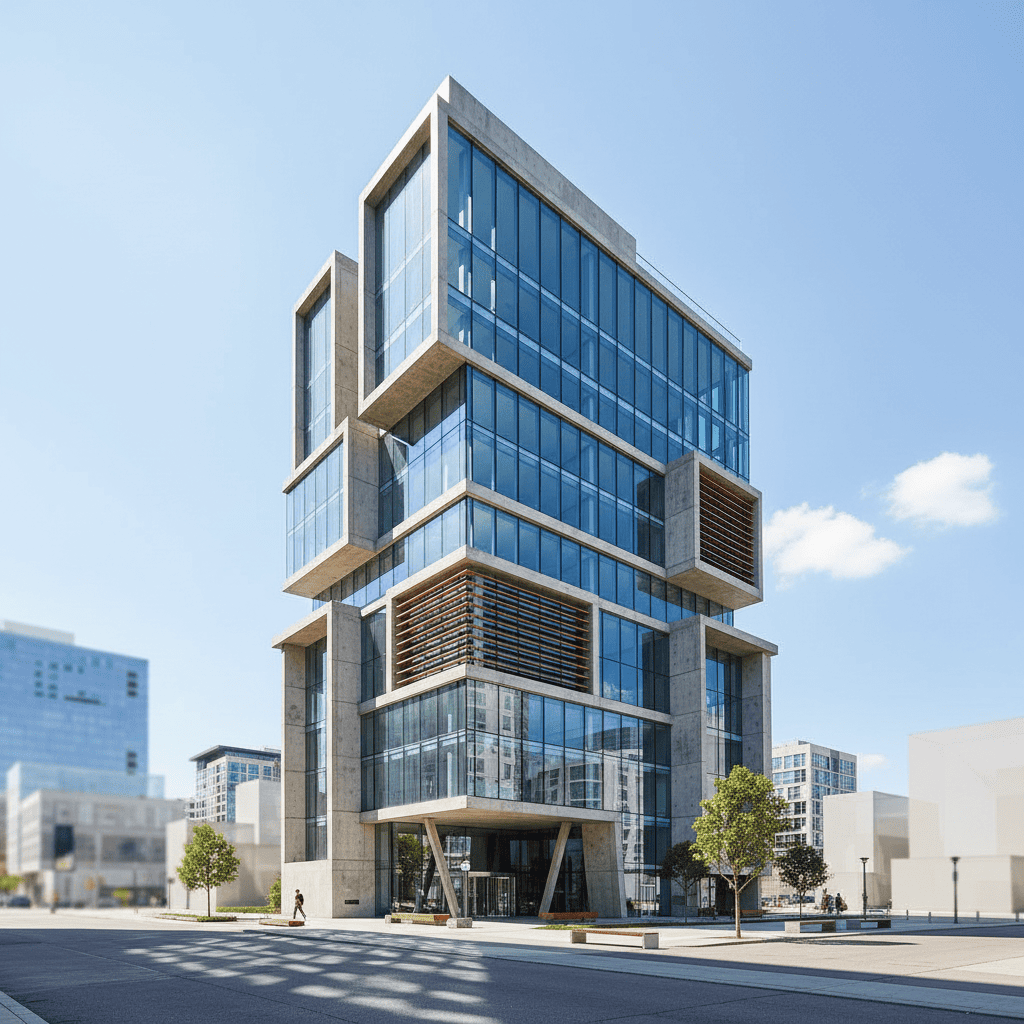
SketchUp is one of the most popular 3D modeling tools for architects. Adding AI rendering to your SketchUp workflow can dramatically speed up visualization. This guide compares the best AI rendering solutions for SketchUp users in 2024.
The 4 Best AI Rendering Options for SketchUp
1. Architect AI (Best Overall)
Architect AI offers the fastest and most accurate AI rendering for SketchUp users:
• Input: Screenshot any SketchUp viewport
• Speed: < 10 seconds per render
• Accuracy: 100% geometric fidelity
• Price: Pay-as-you-go (no subscription)
Why SketchUp Users Love It:
No plugin required. Just screenshot your viewport and upload. Works on any device.
2. Veras (Best BIM Integration)
Veras offers direct SketchUp integration through a plugin:
• Input: Direct from SketchUp viewport
• Speed: 30-45 seconds per render
• Accuracy: 85-90% geometric fidelity
• Price: $29/month subscription
Trade-off:
Plugin required. Slower than Architect AI. Subscription-based pricing.
3. D5 Render (Best Real-Time)
D5 Render offers real-time rendering with AI denoising:
• Input: LiveSync from SketchUp
• Speed: Real-time (with setup)
• Accuracy: 90-95% geometric fidelity
• Price: $30/month subscription
Trade-off:
Requires scene setup. Better for walkthroughs than quick concepts.
4. Enscape (Best for BIM Walkthroughs)
Enscape provides tight SketchUp integration for real-time walkthroughs:
• Input: Live from SketchUp model
• Speed: Real-time (with model)
• Accuracy: 90-95% geometric fidelity
• Price: $39/month subscription
Trade-off:
Subscription required. Not AI generation—real-time rendering only.
Comparison Table
| Feature | Architect AI | Veras | D5 Render | Enscape |
|---|---|---|---|---|
| Speed | < 10 sec | 30-45 sec | Real-time | Real-time |
| Accuracy | 100% | 85-90% | 90-95% | 90-95% |
| Plugin Required | No | Yes | Yes | Yes |
| Price | Pay-as-you-go | $29/mo | $30/mo | $39/mo |
| Free Trial | Yes | 14-day | Free tier | 14-day |
| Best For | Quick concepts | BIM workflow | Walkthroughs | Presentations |
Recommended Workflow for SketchUp Users
For most SketchUp users, we recommend this workflow:
1. Model in SketchUp as usual
2. Screenshot your viewport (perspective view)
3. Upload to Architect AI (10 seconds)
4. Choose style and environment
5. Download photorealistic render
This workflow takes less than 1 minute total and produces results that rival traditional rendering services.
Why Architect AI Wins for SketchUp
• No plugin required — works with any SketchUp version
• Fastest rendering — 10 seconds vs 30-60 seconds for competitors
• Highest accuracy — 100% geometric fidelity, zero hallucinations
• Most flexible pricing — pay only for what you use
• Works anywhere — web-based, no installation needed
Try the Best AI Rendering for SketchUp
Screenshot your SketchUp viewport, upload, and get a photorealistic render in 10 seconds. Free trial available.
Try Free →