Revit to Realistic Render — AI Rendering for Revit Models Instantly
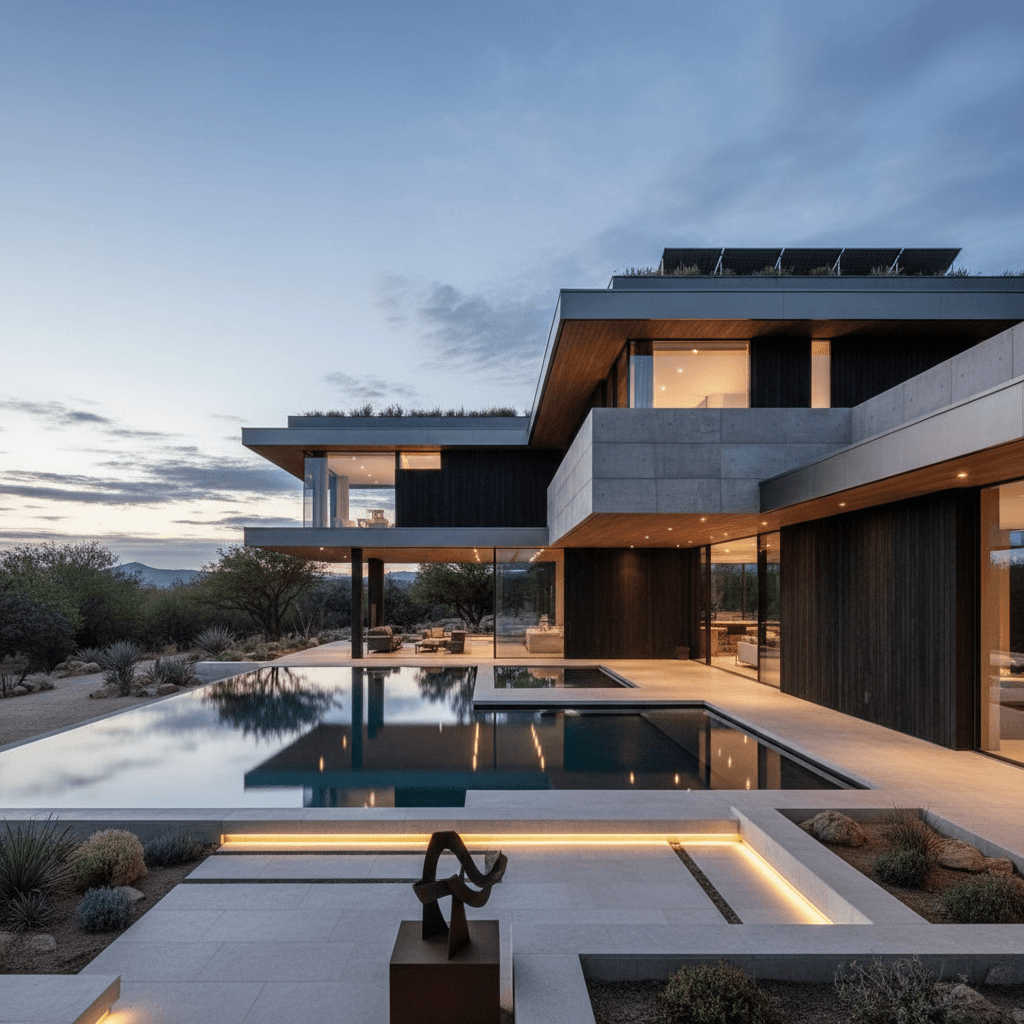
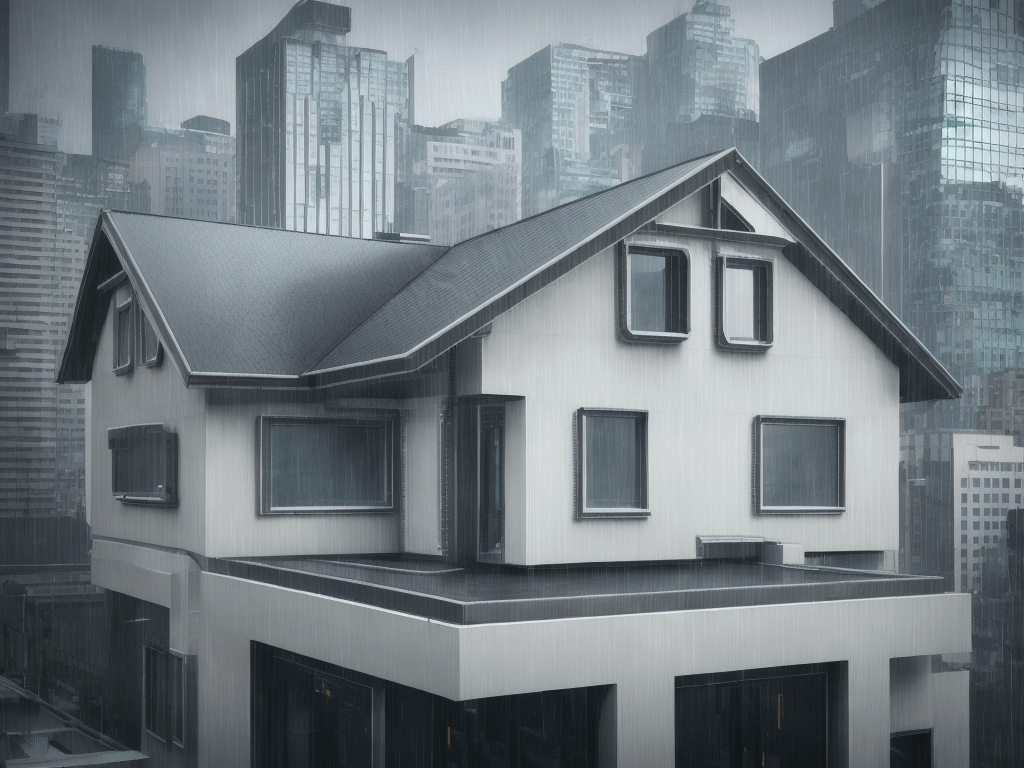
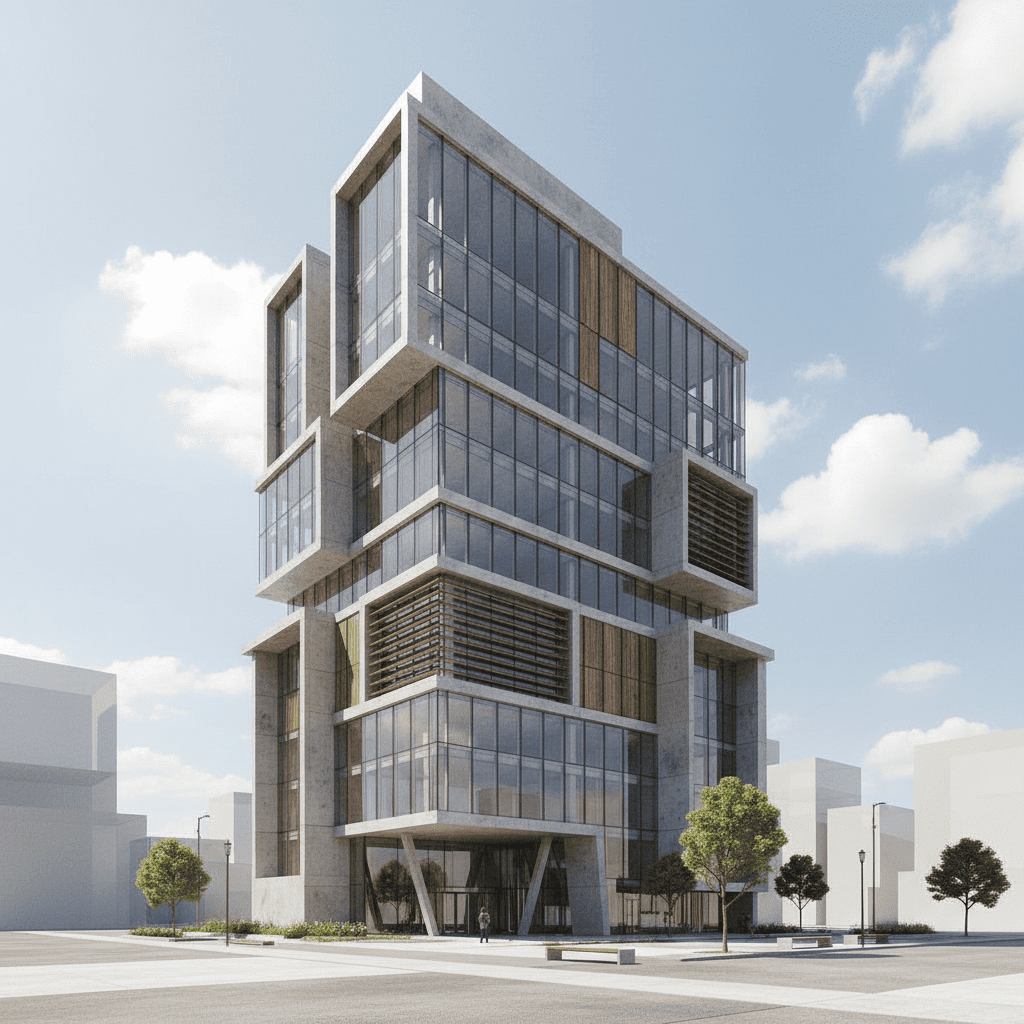
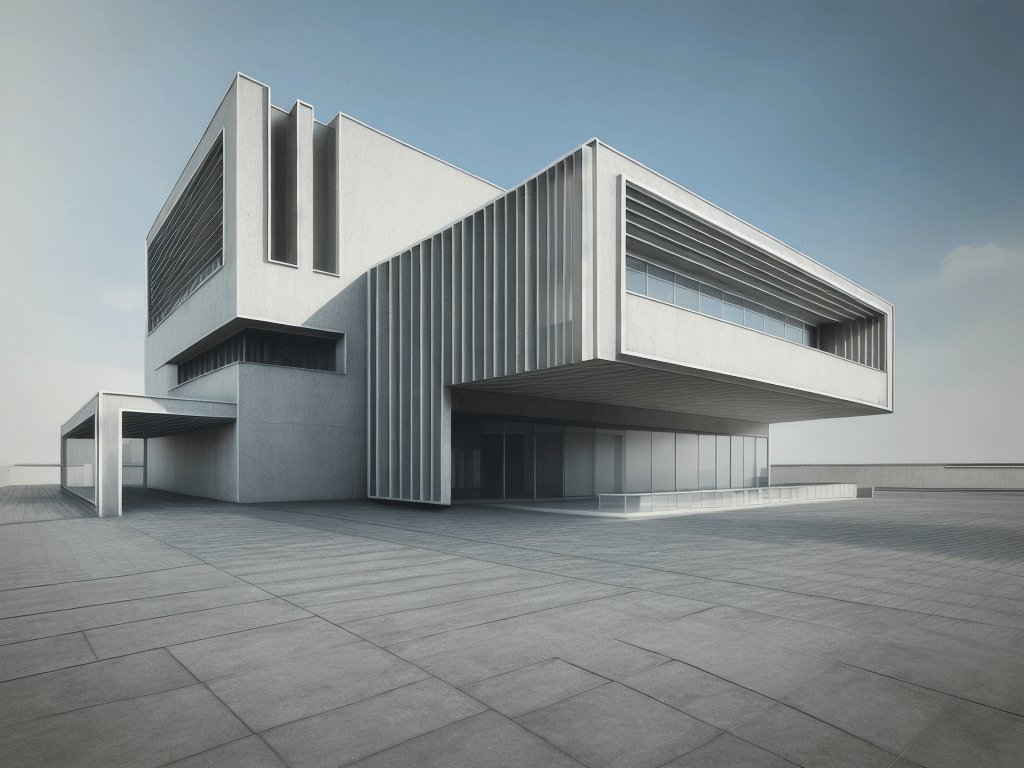
Export or screenshot your Revit model, upload it to Architect AI, and get a photorealistic render in 10 seconds. Works with any Revit view — 3D perspectives, elevations, and section cuts.
No sign-up required to start. Free trial included.
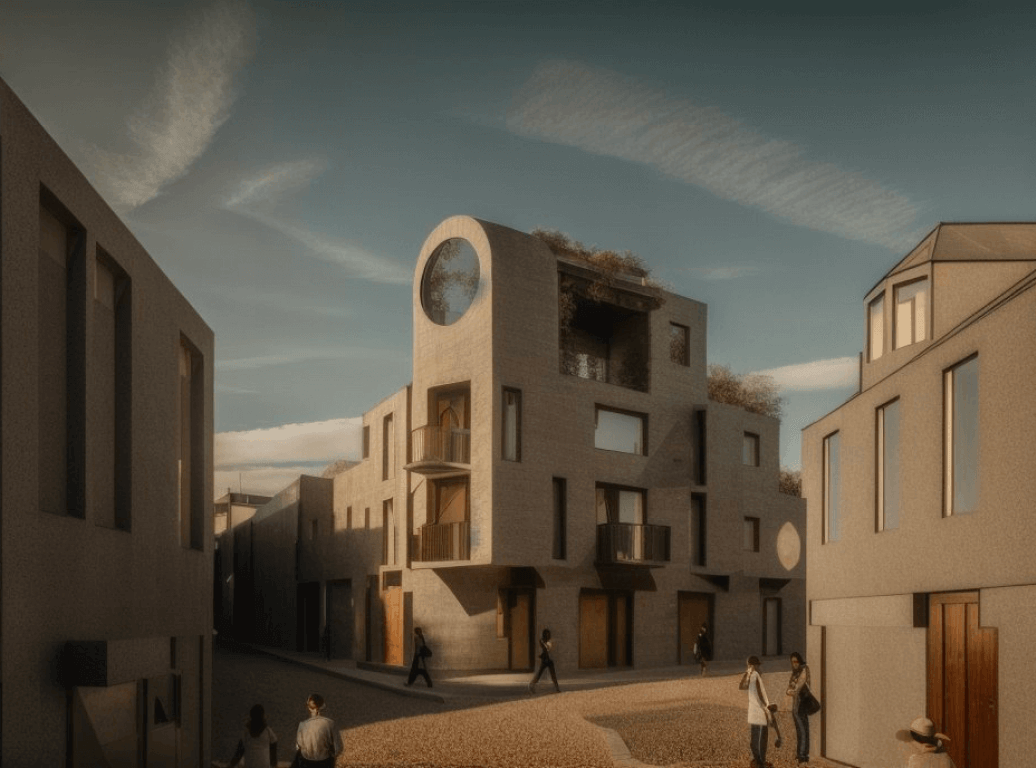
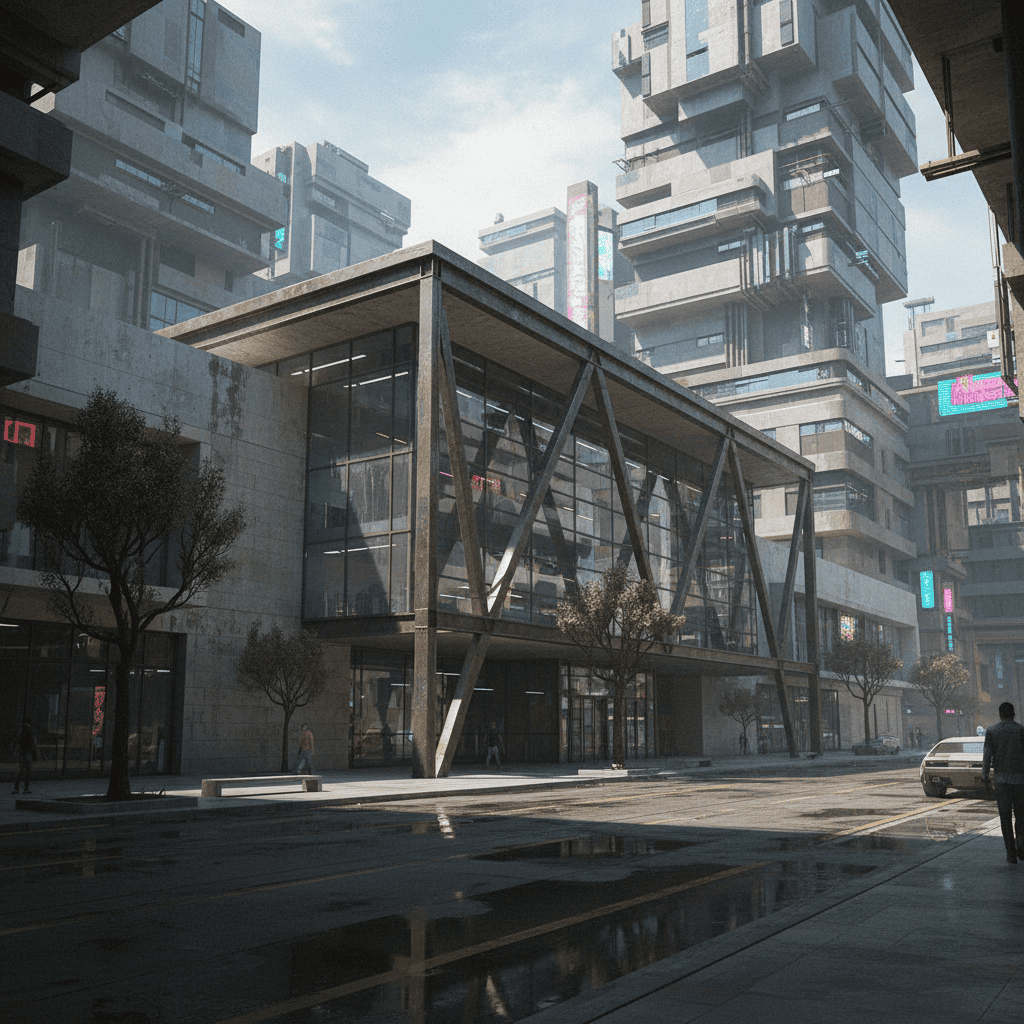
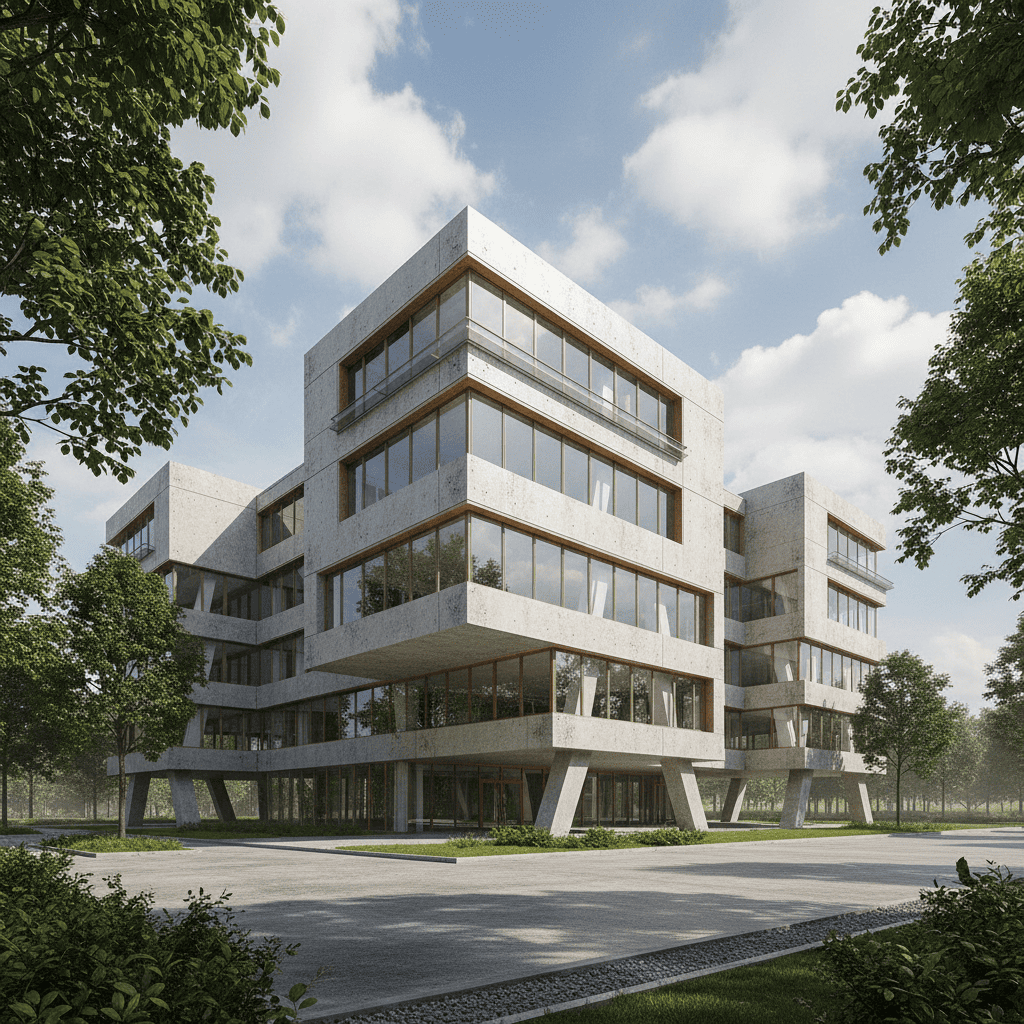
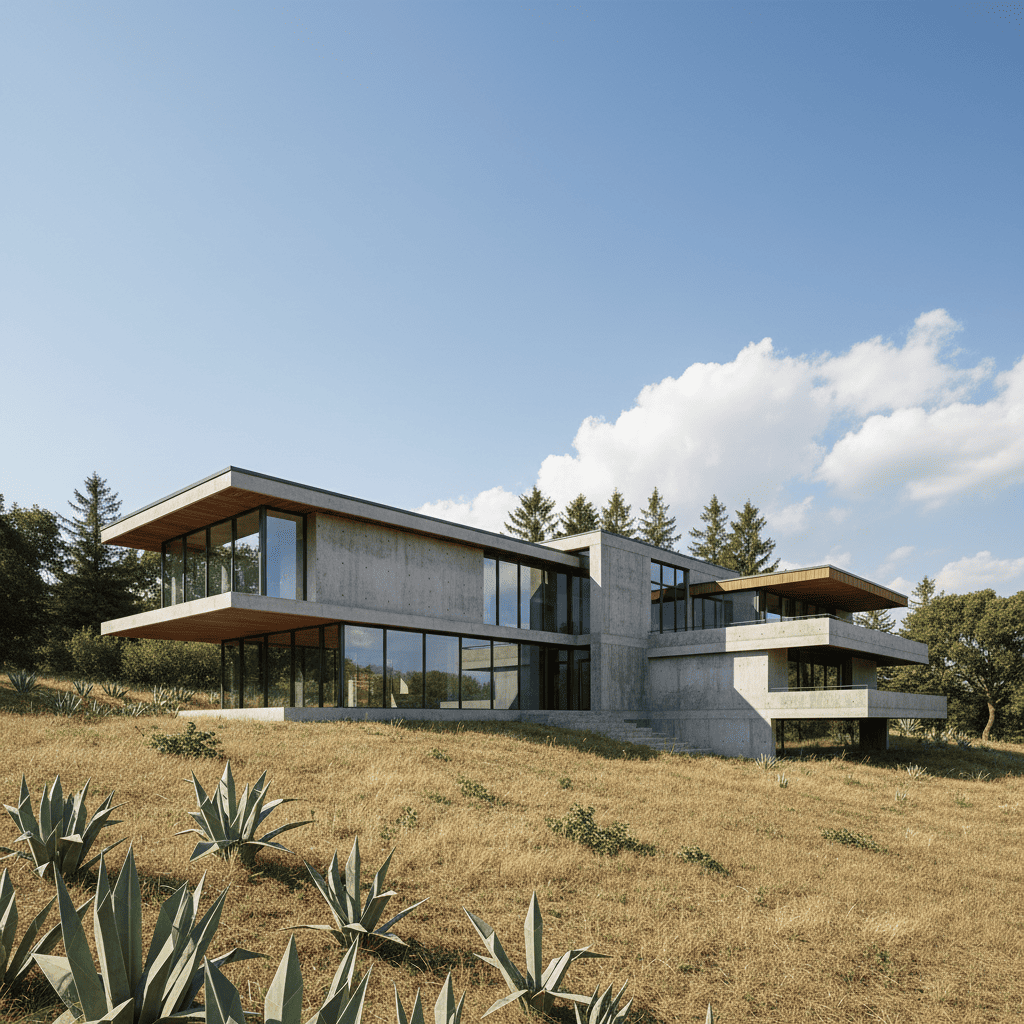
See the Results
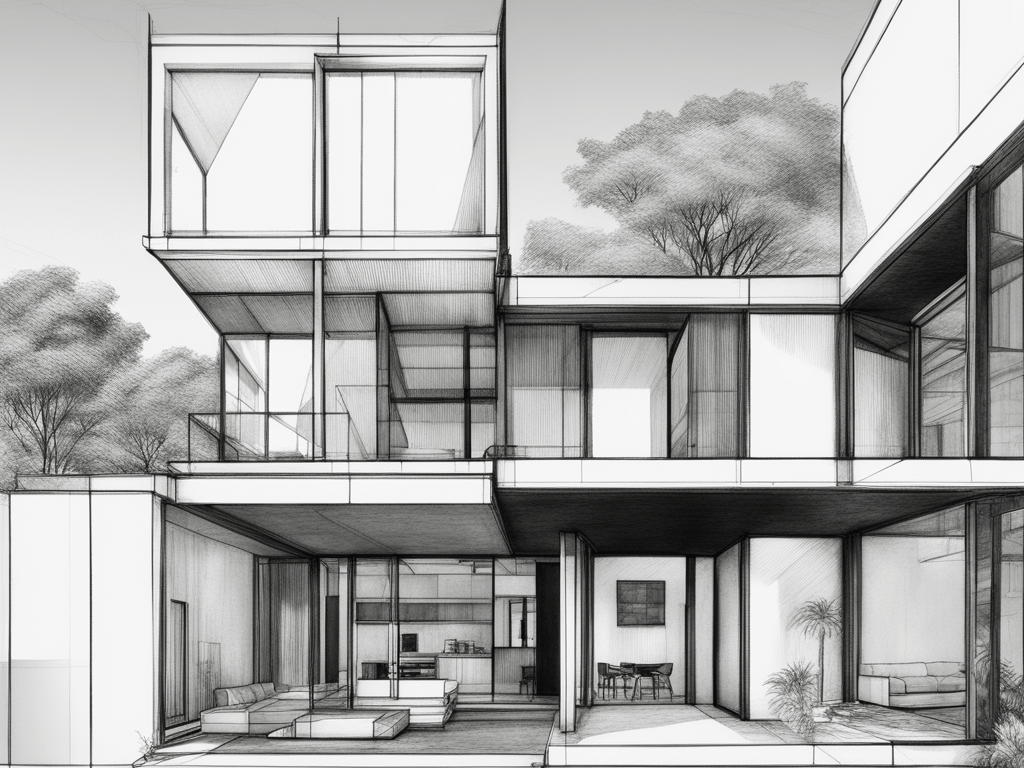
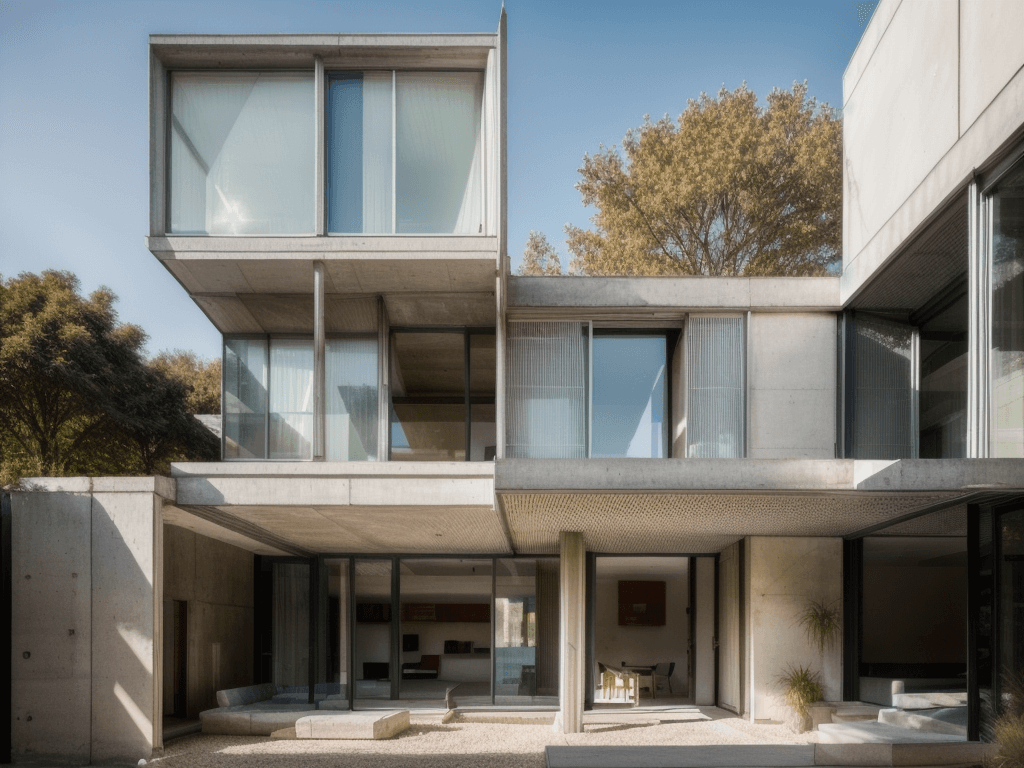
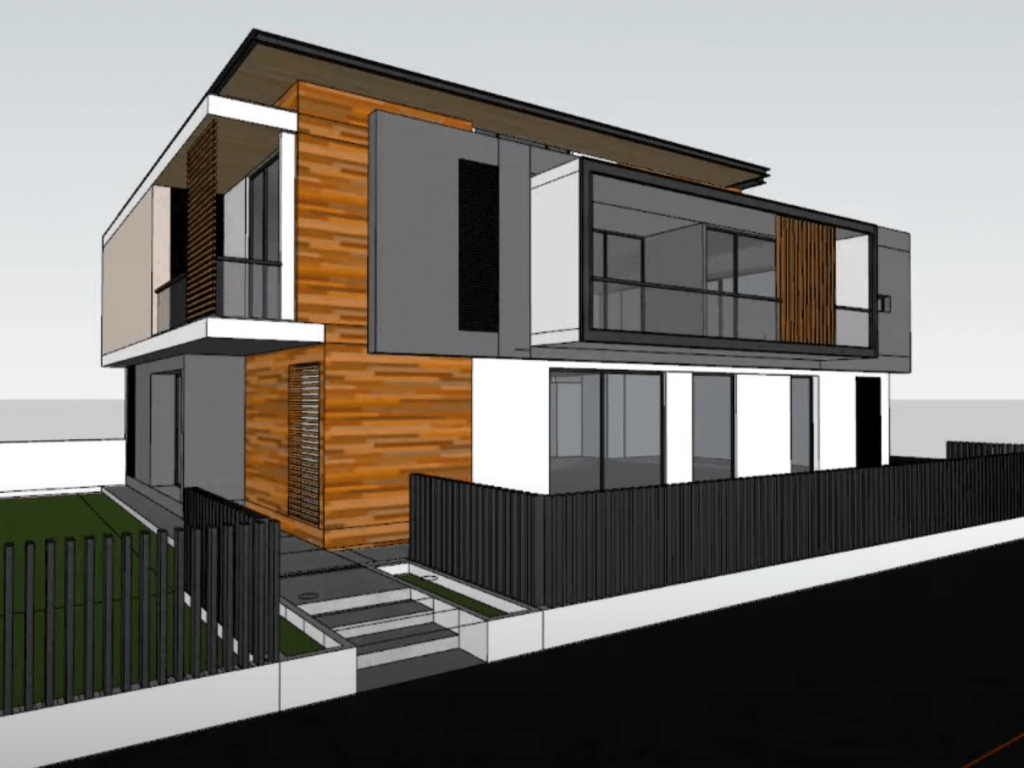
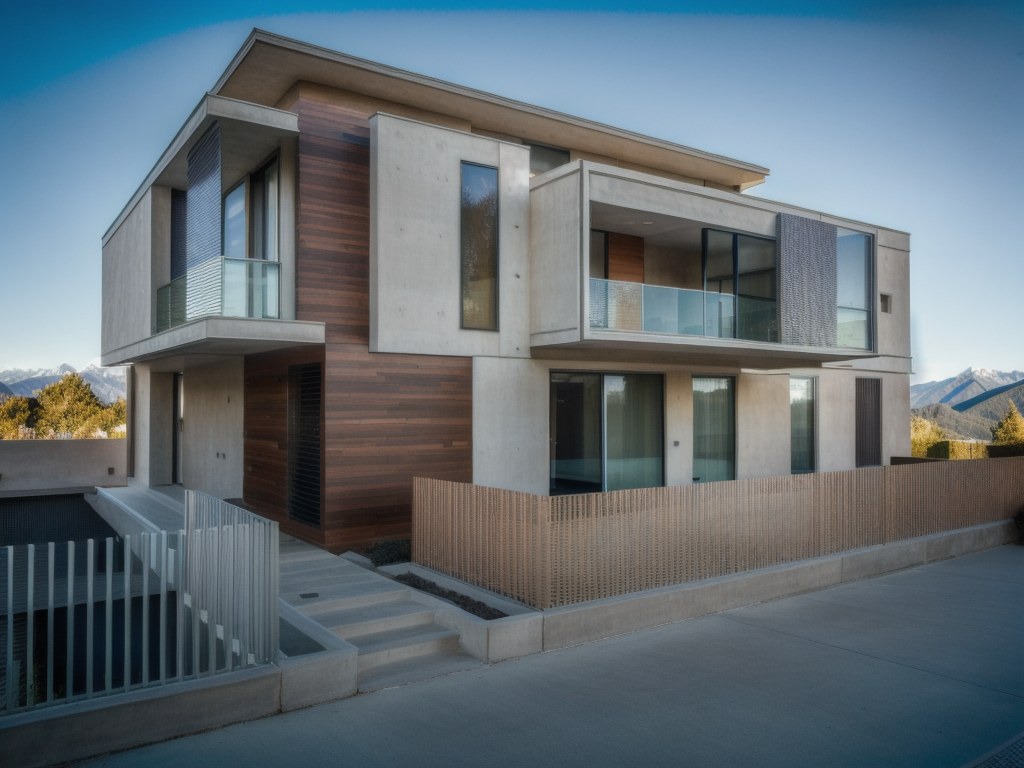
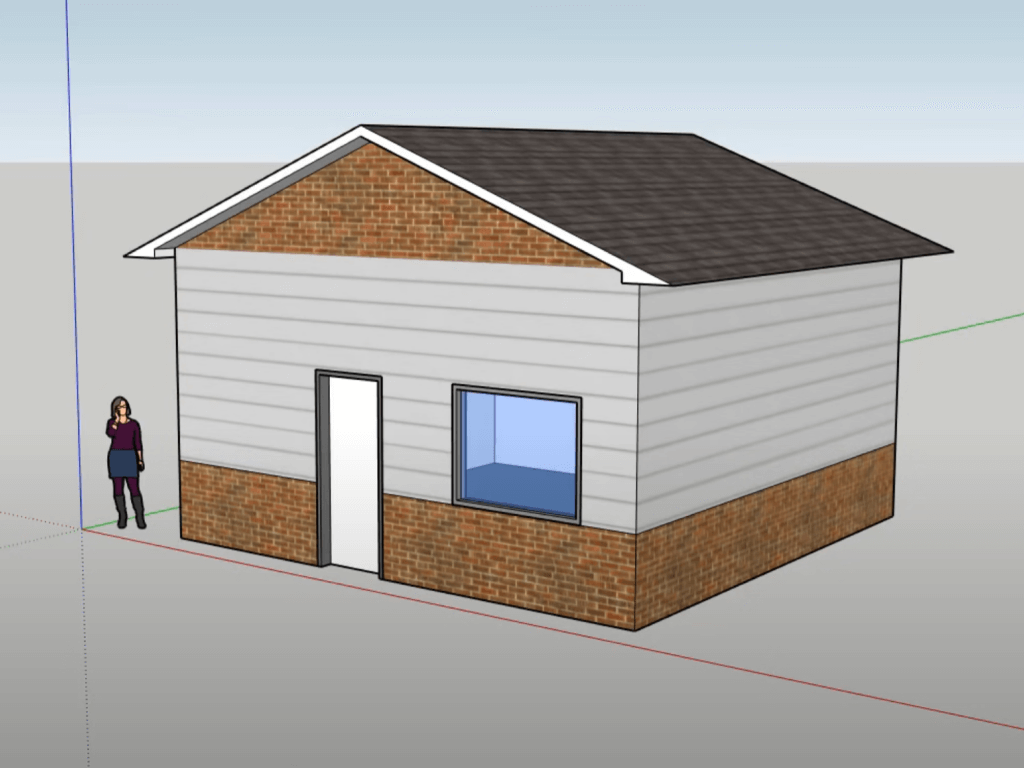
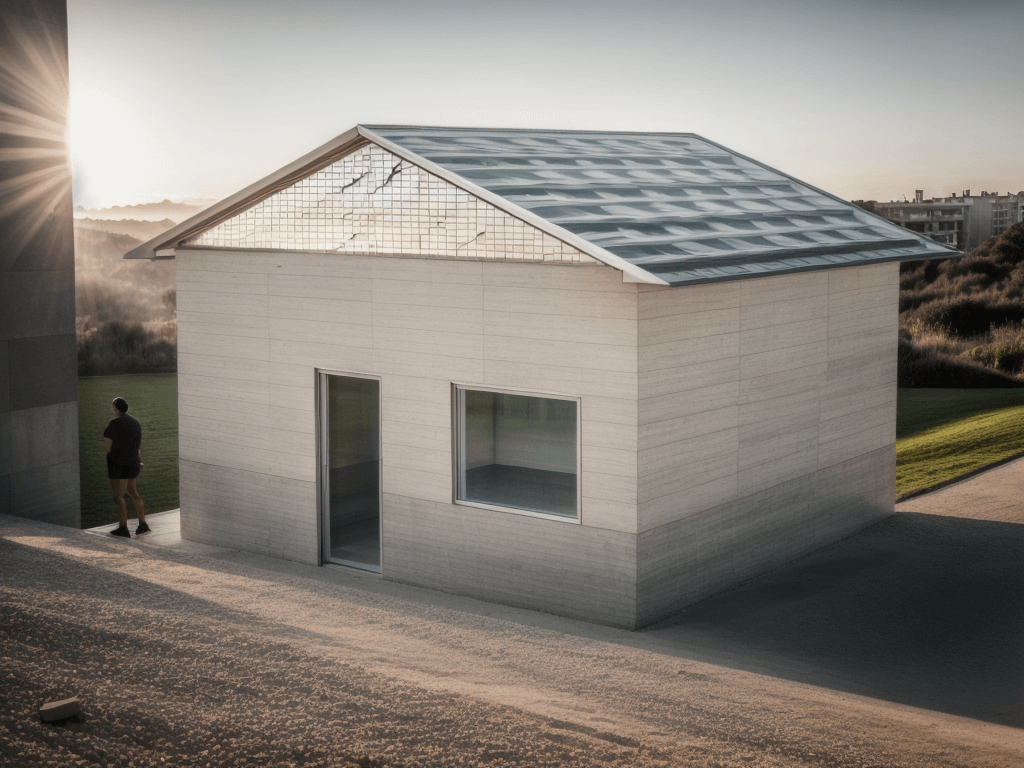
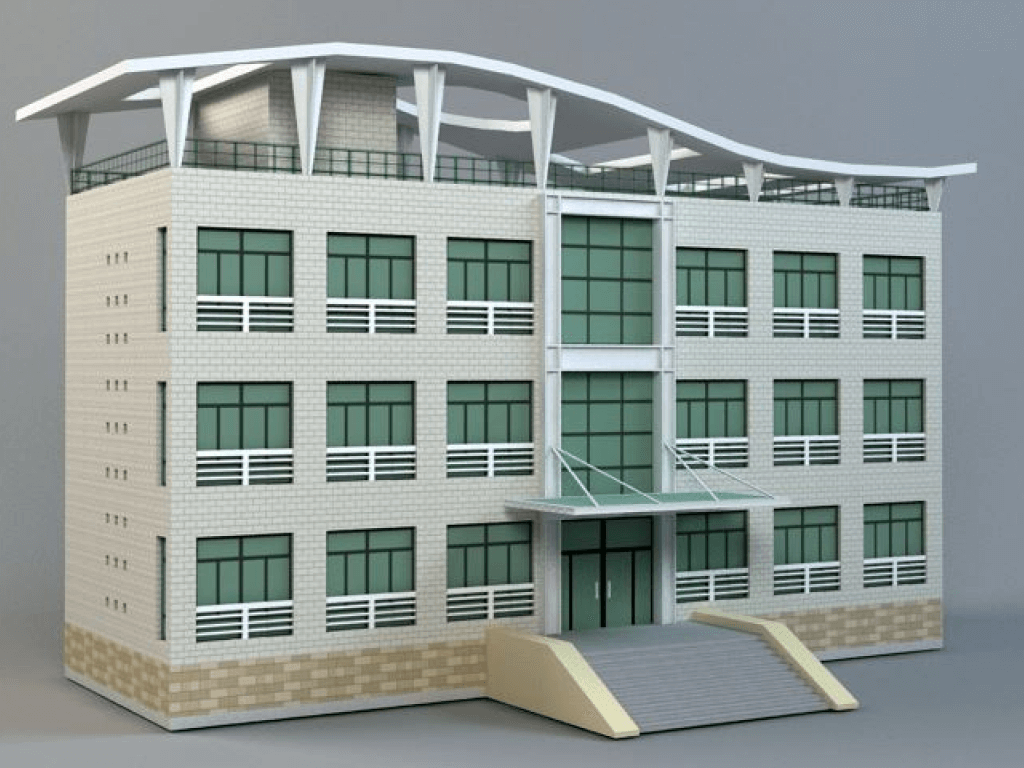
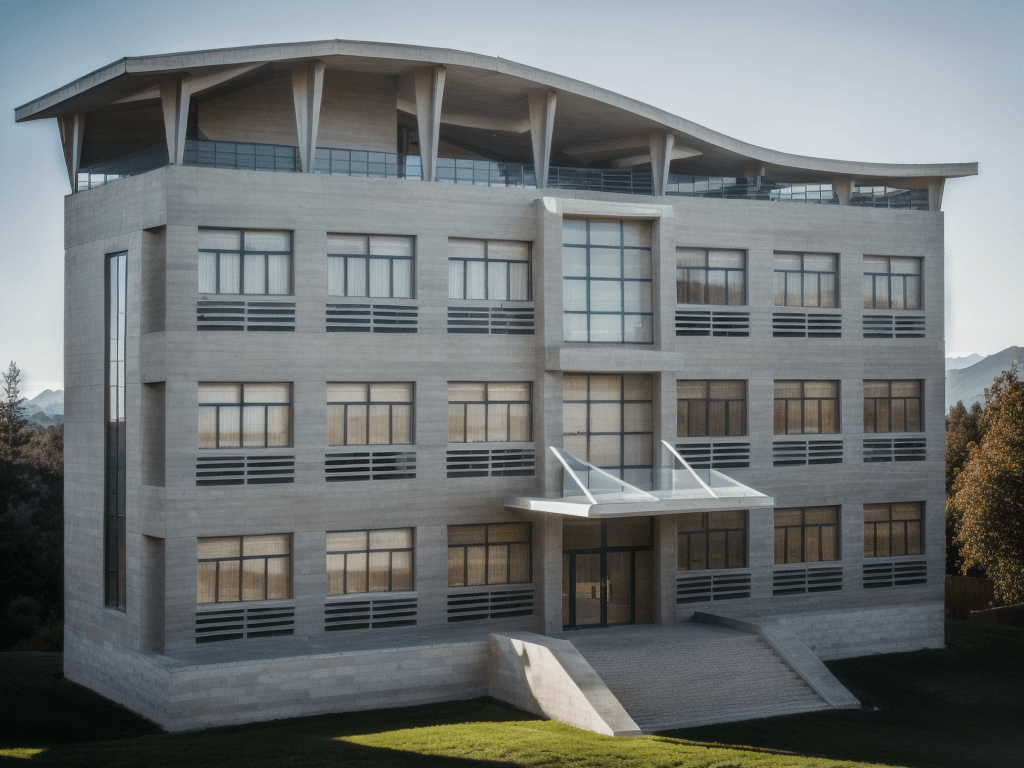
AI Rendering Gallery
How It Works
Any Revit View
3D perspectives, elevations, sections, and even Revit's default shaded views. AI understands building geometry from any viewport angle.
No Plugin Needed
Unlike V-Ray or Enscape, there's nothing to install. Screenshot or export your Revit view as an image and upload it to the web app.
10-Second Renders
What takes hours with traditional Revit rendering takes seconds with AI. Perfect for design reviews, progress meetings, and quick client updates.
Frequently Asked Questions
How do I render my Revit model with AI?▼
Do I need a Revit plugin?▼
How does this compare to V-Ray for Revit?▼
Does it work with Revit LT?▼
Can I render interior views from Revit?▼
What image resolution does AI rendering support?▼
Ready to Transform Your Designs?
Join thousands of architects and designers using AI to create stunning architectural visualizations in seconds.